Check Vehicle & Owner Details by Registration Number
Processing

Popular models
Other models
Popular variants
Other variants

We don’t spam

A learner's licence (LL) is the first step to apply for a driving licence in India. You can easily apply, track, and even download a learner's licence through the Parivahan Sewa portal without visiting an RTO. Read on for more information on how to apply for this service online.
A learner's licence is a provisional driving licence issued by the Regional Transport Office (RTO) that allows individuals to learn to drive under the supervision of a qualified instructor or experienced driver. To obtain an LL, applicants must pass a test that evaluates their knowledge of basic traffic rules, road signs, and safe driving practices. It is a mandatory first step before applying for a permanent driving licence.
To apply for a learner's licence on the Parivahan Sewa website, follow the steps listed below:
Step 1: Open the Parivahan Sewa website.
Step 2: Go to 'Online Services' and click on 'Driving Licence Related Services'.
Step 3: Select your state and tap on 'Apply for Learner's Licence'. Select the applicant category and click on the 'Submit' button.
Step 4: Choose the authentication type, either with Aadhaar or without Aadhaar and Click 'Submit'. Fill in all the required details, upload the documents along with your photo and signature, and submit the form.
Step 5: Pay the required fee online.
Step 6: Book a slot to take the learner's test and visit the RTO/authorised test centre to take the test on the designated day.
The applicant must meet the age criteria mentioned below to apply for a learner's licence on the Parivahan Sewa website:
Applicants below 18 years are eligible to get a learner's licence to drive a gearless motorcycle. However, guardian consent is required.
Applicants above the age of 18 are eligible to apply for a learner's licence and a driving licence for a motorcycle with gears.
Applicants over 20 years are eligible to apply for a licence to drive a transport vehicle.
If your Learner's Licence is approved, you can download it by following these steps:
Step 1: Visit the Parivahan Sewa website.
Step 2: Click on the 'Online Services' menu and select 'Driving Licence Related Services'.
Step 3: Choose your state.
Step 4: Hover over the 'Learner Licence' menu at the top and select the 'Print Learner Licence (Form 3)' option.
Step 5: Fill in your application number/licence number and date of birth. Enter the Captcha code and hit the 'Submit' button.
A learner's licence is issued with a validity of 6 months. You can apply for a permanent driving licence after 30 days of receiving your learner's licence.
You can apply for a permanent driving licence by following the steps mentioned below:
Step 1: Visit the Parivahan portal.
Step 2: Tap on 'Online Services' and choose 'Driving Licence Related Services'.
Step 3: Select your state and click on 'Apply for Driving Licence'.
Step 4: Fill in the Learner's Licence number and your date of birth. Type the Captcha code and tap on 'Ok'.
Step 5: Provide the required details, upload the necessary documents along with your photo and signature.
Step 6: Book your driving licence test slot and pay the fee online.
On the day of the appointment, appear for the driving test at the designated test centre. Applicants who clear the driving test will be issued a driving licence by the authorities.
Follow the steps listed below to download your permanent driving licence:
Step 1: Open the Parivahan Sewa website.
Step 2: Click on the 'Online Services' menu at the top and tap on the 'Driving Licence Related Services' option.
Step 3: Select your state, go to 'Driving Licence' on the navigation bar, and click on 'Print Driving Licence'.
Step 4: Enter your application number, date of birth, and tap on 'Submit'.
Some of the top benefits of applying for an LL via the Parivahan Sewa portal include the following:
Simple Digital Process: You can complete the entire application process online without having to visit the RTO or deal with physical paperwork.
Quick Online Payments: You can pay the required fee instantly online by using your preferred payment option.
Anytime Access: The portal is open 24/7, so you can apply, track your application, or download your licence whenever you need to.
While using the services on the Parivahan Sewa portal, you may occasionally encounter the following issues:
You may face difficulties while uploading the required documents.
You may experience login-related problems, such as issues with OTP verification or Captcha.
Online payments may fail due to technical glitches.
Your application status may not be updated promptly on the portal.
Your licence may not be available for download even after approval.
If you encounter any of these issues, you can reach out to your RTO for assistance or try again on the website.
Yes, to get a permanent driving licence, you first need to have a learner's licence. If you do not have one, you won't be able to apply for your driving licence.
If you are caught driving a vehicle without having a valid driver's licence, you will be levied a traffic challan. You may also face legal consequences. The penalty amount can differ based on the state where you are.
You can check the status of your learner's licence application on the Parivahan Sewa website. Simply go to 'Online Services', pick 'Driving Licence Related Services', select your state, and click on 'Application Status'.
You have to appear for an online test and clear it to receive your learner's licence. After 30 days of receipt of your learner's licence, you can apply for a permanent driving licence.


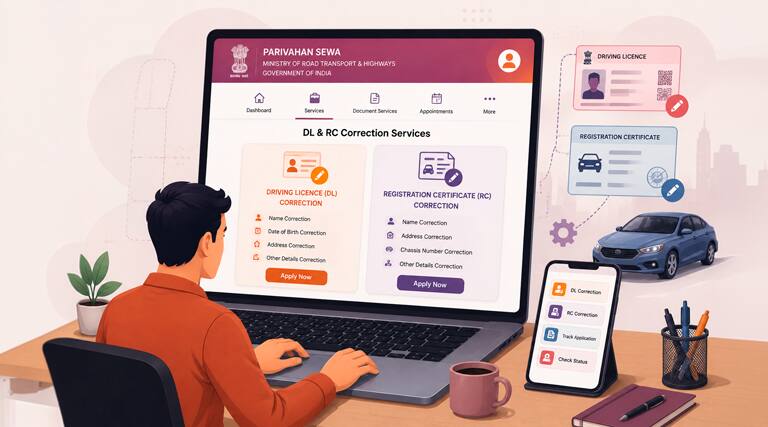
It is really important that your Driving Licence (DL) and vehicle
Read more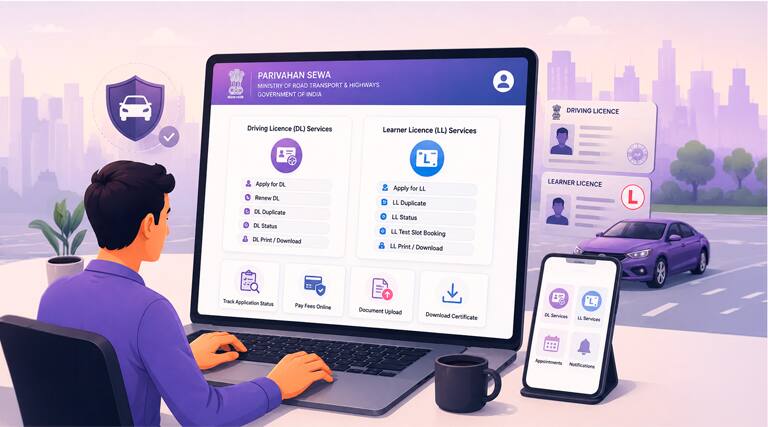
It is legally compulsory for all drivers to hold a valid Driving
Read more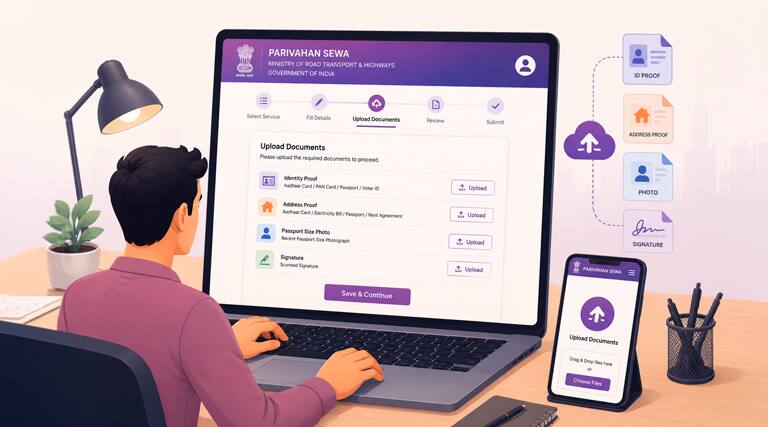
The MoRTH introduced the Parivahan Sewa portal to make
Read more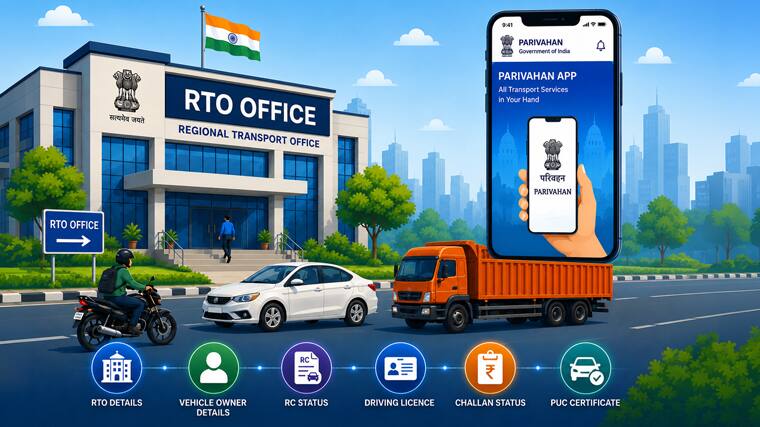
Downloading the payment receipt from the Parivahan portal is an
Read more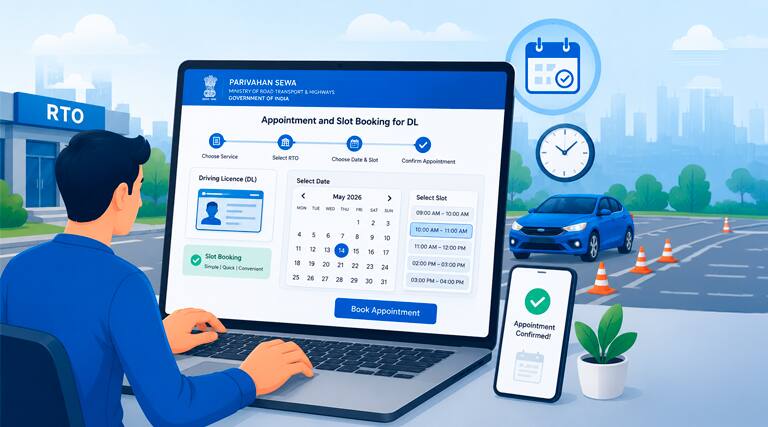
You cannot get your driving licence without passing a driving
Read more#Rs 2094/- per annum is the price for third-party motor insurance for private cars (non-commercial) of not more than 1000cc
*Savings are based on the comparison between the highest and the lowest premium for own damage cover (excluding add-on covers) provided by different insurance companies for the same vehicle with the same IDV and same NCB. Actual time for transaction may vary subject to additional data requirements and operational processes.
+Savings are based on the maximum discount on own damage premium as offered by our insurer partners.
^Lowest Price Guaranteed is based on certifications shared by insurers with us. Policybazaar will facilitate price matching subject to the terms and conditions of select insurers.
##Claim Assurance Program: Pick-up and drop facility available in 1400+ select network garages. On-ground workshop team available in select workshops. Repair warranty on parts at the sole discretion of insurance companies. Dedicated Claims Manager. 24x7 Claim Assistance.
Insurance
Calculators
Payment Methods


Secured With

Follow us on